
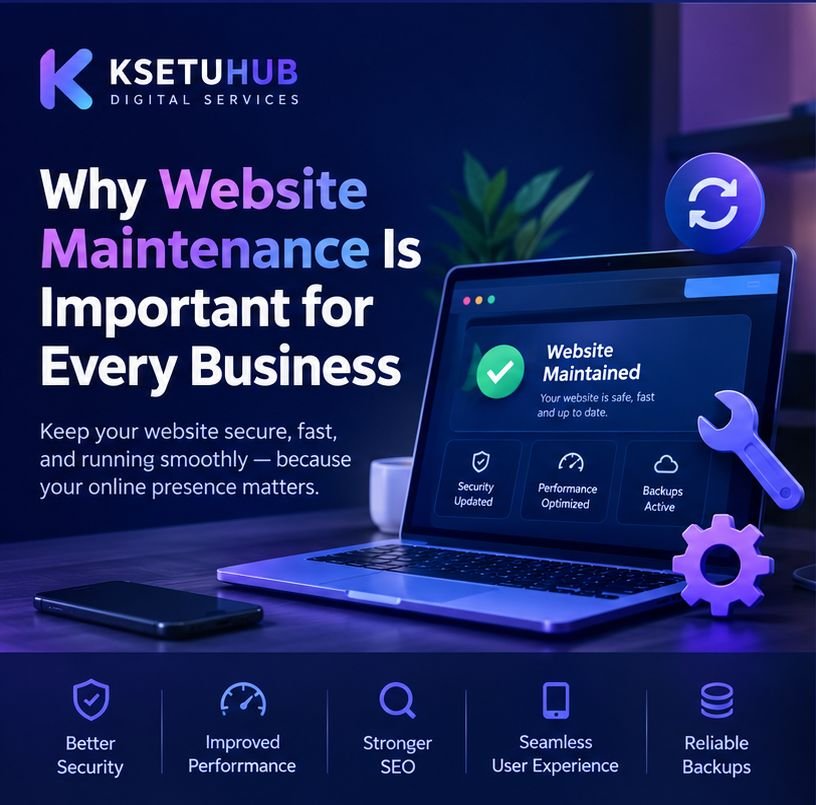
Why Website Maintenance Is Important for Every Business
A business website is more than an online presence. It represents your brand, introduces your services, answers customer questions, and helps potential customers contact you. However, simply creating a website is not enough. To keep it secure, reliable, and effective, regular website maintenance is essential.
Many businesses invest in website development but forget about ongoing updates, security checks, performance monitoring, and content improvements. Over time, an outdated or poorly maintained website can create technical problems, frustrate visitors, and affect business credibility.
In this guide, we explain why website maintenance matters and how businesses can keep their websites running smoothly.
1. Keep Your Website Secure
Website security should be a priority for every business, especially when a website uses a content management system such as WordPress.
Outdated plugins, themes, and software can introduce security vulnerabilities. Weak passwords and missing security measures can also increase the risk of unauthorized access.
Regular maintenance helps businesses reduce these risks by keeping website software updated, reviewing user access, checking for suspicious activity, and maintaining appropriate security protections.
A secure website helps protect business information and builds trust with visitors.
2. Improve Website Speed and Performance
Website visitors expect pages to load quickly and function smoothly. Slow loading times can discourage people from exploring your services or completing an enquiry form.
Several factors can affect website performance, including oversized images, unnecessary plugins, outdated software, inefficient code, and poor hosting configuration.
Regular website maintenance can include image optimization, cache configuration, database cleanup where appropriate, and performance testing.
A faster website provides a better user experience and can support your broader search engine optimization efforts.
3. Protect Your Search Engine Visibility
Search engines need to access, crawl, and understand your website content. Technical issues can interfere with this process.
Broken links, incorrect redirects, unavailable pages, indexing problems, and outdated information can weaken the overall quality of a website.
Website maintenance helps identify these problems before they become more disruptive. Businesses should periodically review important pages, test internal links, check indexing status, and make sure essential content remains accessible.
Maintenance does not guarantee higher rankings, but it helps create a technically healthier website for search engines and visitors.
4. Keep Your Website Compatible With Modern Devices
Customers may visit your website using mobile phones, tablets, laptops, and desktop computers.
Changes to browsers, operating systems, plugins, and website themes can sometimes cause display or functionality issues. A form that once worked correctly might stop submitting, or a page layout might appear broken on smaller screens.
Regular testing helps ensure that navigation menus, buttons, contact forms, images, and important content continue to work across commonly used devices.
A responsive and functional website makes it easier for visitors to interact with your business.
5. Prevent Unexpected Website Problems
A website issue can interrupt enquiries, online sales, appointment requests, or other important business activities.
Examples include expired SSL certificates, failed form submissions, server errors, database problems, and domain or hosting issues.
Routine maintenance can include checking website availability, testing important features, monitoring domain and hosting renewals, and reviewing error logs when necessary.
Not every technical problem can be prevented, but regular checks can help businesses identify issues earlier and reduce avoidable downtime.
6. Maintain Reliable Backups
Backups are an important part of website maintenance. If a website is affected by a failed update, accidental deletion, security incident, or server problem, a usable backup can help restore the website.
Businesses should establish a backup schedule based on how frequently their website changes and how important its data is.
A reliable backup strategy should include:
- Regular backups of website files and databases.
- Secure storage separate from the primary website where practical.
- Retention of multiple backup versions.
- Periodic restoration tests to verify that backups work.
A backup should not simply exist; the business should also know how to restore it.
7. Keep Website Content Accurate and Relevant
A technically healthy website can still lose its effectiveness if its information becomes outdated.
Business hours, contact details, pricing, service descriptions, staff information, and product details should be reviewed periodically.
Businesses can also improve their websites by adding useful articles, updating service pages, publishing case studies, and answering common customer questions.
Fresh and accurate information helps visitors make informed decisions and gives businesses more opportunities to communicate their expertise.
8. Why WordPress Websites Need Regular Maintenance
WordPress makes it possible to build and manage websites without developing every feature from scratch. However, WordPress websites often rely on themes, plugins, hosting services, and third-party integrations that require ongoing attention.
A sensible WordPress maintenance routine may include:
- Updating WordPress core, themes, and plugins after appropriate compatibility checks.
- Taking backups before significant changes.
- Testing important pages and forms after updates.
- Reviewing security and user permissions.
- Monitoring website speed and uptime.
- Removing unused plugins and themes when safe to do so.
- Checking for broken links and layout problems.
Updates should be handled carefully, especially on websites that generate leads or process online payments. For critical websites, testing changes in a staging environment can help reduce risk.
9. Should You Maintain Your Website Yourself or Hire a Professional?
The right approach depends on your technical knowledge, available time, website complexity, and business requirements.
Small informational websites may need only occasional assistance, while e-commerce websites and business-critical platforms often require more structured maintenance.
Professional website maintenance can help businesses manage updates, backups, security checks, technical troubleshooting, performance improvements, and server-related issues.
It also allows business owners to spend more time serving customers instead of troubleshooting website problems.
10. How KSETUHUB Can Help With Website Maintenance
KSETUHUB Digital Services helps businesses maintain their online presence through practical website and technical support services.
Depending on the website’s requirements, maintenance support can include WordPress updates, website troubleshooting, performance improvements, content changes, security checks, and assistance with domain, hosting, and server-related issues.
The goal is to help businesses keep their websites functional, accessible, and aligned with their changing needs.
Whether you run a small business website, a professional portfolio, or an organization website, a suitable maintenance plan can help you manage your online presence more confidently.
Conclusion
Website maintenance is an ongoing responsibility, not a one-time task. Regular updates, security checks, backups, performance reviews, and content improvements help keep a business website useful and reliable.
By taking a proactive approach to website maintenance, businesses can reduce avoidable technical issues, provide a better visitor experience, and protect the value of their online investment.
Need help maintaining your business website? Contact KSETUHUB Digital Services to discuss website maintenance, WordPress support, performance optimization, and technical assistance.
Your website should continue supporting your business long after its launch.